Chrome Extension & Browser Automation
I will build a Chrome extension that automates your repetitive browser work

About this gig
A lot of office work is copying from one browser tab into another. A small extension can do it in one click.
I build Chrome extensions and userscripts that automate repetitive browser work: capturing details from web pages into your CRM or Google Sheets, filling forms from your data, adding buttons and shortcuts to web tools you use every day, and collecting public information for research.
What you get:
- An extension or userscript built around your exact steps
- Data cleaned and checked before it's saved
- Sync to Google Sheets, Airtable, HubSpot or your own API
- A settings page your team can manage
- Optional backend, team accounts and Chrome Web Store publishing
I built Campaigner, an outreach engine where a browser script finds public business pages and hands them to a local server that extracts contacts and researches each business.
Tell me the site, the steps you repeat and where the data should end up.
Use cases
CRM capture
Save a LinkedIn, Google Maps or directory profile to your CRM in one click.
Form autofill
Fill repetitive portal forms from a spreadsheet row.
Price and stock monitoring
Watch competitor or supplier pages and alert on changes.
Recruiting helper
Score and save candidate profiles while browsing.
Support macros
Insert templated replies and look up orders inside your help desk.
Research clipper
Clip quotes, sources and screenshots into Notion or Sheets.
Internal tool add-ons
Add missing buttons and shortcuts to tools you can't change.
AI side panel
An assistant that summarises or drafts using the page you're on.
What changes
Today
- Staff copy details from web pages into a CRM field by field
- The same form gets filled fifty times a day
- The web tool you rely on lacks one button that would save an hour
- Research means a hundred tabs and notes typed by hand
After
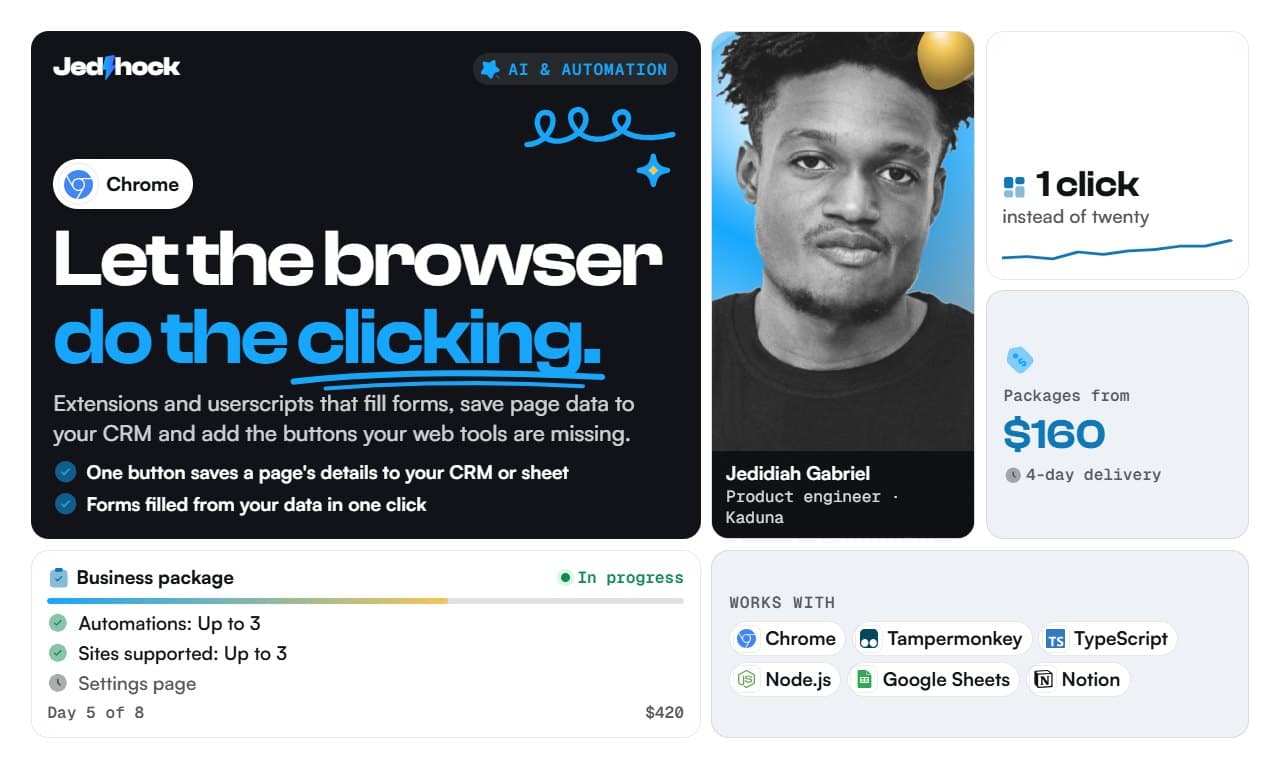
- One button saves a page's details to your CRM or sheet
- Forms filled from your data in one click
- Missing features added to tools you don't control
- Collected data cleaned and checked before it's saved
How it works
- 01Open a page
- 02Extension reads the details
- 03Cleans and checks them
- 04Saves to CRM or sheet
- 05On to the next page
Compare packages
| Package | Starter$160 | Business$420 | Scale$950 |
|---|---|---|---|
| What it is | A userscript or simple extension with one automation on one site | Up to 3 automations, a settings page and sync to Sheets or your CRM | Multi-site extension with a backend, team accounts and Web Store publishing |
| Automations | 1 | Up to 3 | Up to 8 |
| Sites supported | 1 | Up to 3 | Up to 10 |
| Settings page | – | ✓ | ✓ |
| Sync to Sheets or CRM | – | ✓ | ✓ |
| Backend and team accounts | – | – | ✓ |
| Chrome Web Store publishing | – | – | ✓ |
| Delivery | 4 days | 8 days | 14 days |
| Revisions | 2 | 3 | 4 |
Add-ons
- Faster delivery+30% of the package
- One extra integration (any tool with an API)+$80
- Written documentation for your team+$50
- 30 days of support after delivery+$90
Built before
Who it's for
- Sales and recruiting teams
- Virtual assistants
- Operations teams
- Researchers
What I'll need from you
- The site or sites, and the exact steps you repeat
- Where the data should go
- A few example pages
- How many people will use it
Questions, answered
Is collecting data from websites legal?
Collecting public business information is generally allowed, but each site has terms of service and privacy law covers personal data. I flag the risks for your use case and don't build tools that bypass logins or paywalls.
Will it work in Edge or Firefox?
Chrome extensions run in Edge, Brave and Opera unchanged. Firefox needs small changes, which I can include.
Who owns the code and accounts when we finish?
You do. Code goes to your repository, and services run on accounts in your name, so you are never locked to me. I hand over logins, keys and a short guide.
What if my project doesn't fit a package?
Send a message describing what you need. I reply with a custom offer priced to the actual scope, often after a short call.
The thinking behind it
Tools and tags
- Chrome Extensions (Manifest V3)
- Tampermonkey
- TypeScript
- Node.js
- Google Sheets API
- Plasmo
- WXT
- Firefox add-ons
- Playwright
- Notion API
- HubSpot API
- #chromeextension
- #browserautomation
- #tampermonkey
- #webscraping
- #userscript