 hock
 MANIFESTING YOUR
Tech Solutions
Still Chasing October's Invoice in December?
You finished the job in October and sent the invoice. You sent a "just following up" in November. Now it's December, you need the money for salaries and stock, and you're drafting another message that sounds polite and slightly desperate. Multiply that by six clients and you have a cash flow problem dressed as an awkward conversation.
Why do invoices get paid late?
Mostly, nobody on the client's side is being dishonest. The invoice sits unopened in an inbox, or it went to the wrong person. Paying means logging into a bank, finding your details and typing them in. And nobody reminds them, because reminding feels rude, so you wait.
What automatic collections look like
- Invoices that are easy to pay. Every invoice carries a payment link for card, transfer or USDC, so paying takes a minute on a phone.
- Reminders nobody has to write. A friendly note three days before the due date, another on the day, then firmer ones at 7 and 14 days, by email and WhatsApp. They stop the moment payment lands.
- One view of who owes what. A receivables board shows every open invoice, how old it is and when the next reminder goes, so you can see who needs a personal call.
- Payments matched automatically. When the gateway confirms the money, the invoice closes and your books update, with no scrolling through bank statements.
- Deposits up front. New jobs start with a deposit taken from the quote, so you're never fully exposed.
Why year-end is the right time
Many organisations close their books at the end of the year and want open invoices cleared before they do. A clear reminder with a payment link gets attention in that window. Setting this up now also means you start January with a clean receivables list.
Built on work I've shipped
WeSelling, my business operating system, handles card and stablecoin payments and matches each payment to an order. My private document generator produces branded invoices and agreements as print-ready PDFs. More on taking dollars from international clients in Get Paid in Dollars with a Stablecoin Checkout.
What it costs
- Payment Gateway Integration from $130 for payment links with verified webhooks. Reconciliation reports come with the $780 package.
- n8n AI Automation from $150 for the reminder schedule.
- PDF Document Generator from $180 for branded invoices.
- USDC Stablecoin Checkout from $320 for international clients who'd rather pay in dollars.
Add up what you're owed right now. If it's more than a month of expenses, book a free call and I'll show you which reminders would have collected it.
Questions, answered
How do I get clients to pay invoices on time?
Make paying easy with a payment link on every invoice, send automatic reminders before and after the due date, and take a deposit before work starts. Consistent automatic reminders remove the awkwardness of chasing in person.
Can invoice reminders be automated?
Yes. A workflow sends reminders by email and WhatsApp on a schedule, stops when the payment gateway confirms the money, and alerts you when an invoice passes a set age so you can call.
What is accounts receivable automation?
Software that sends invoices, reminds clients, matches incoming payments to invoices and shows who owes what, so getting paid doesn't depend on someone remembering to chase.
Ready-made packages 

Fixed-price gigs that build what this proposal describes.
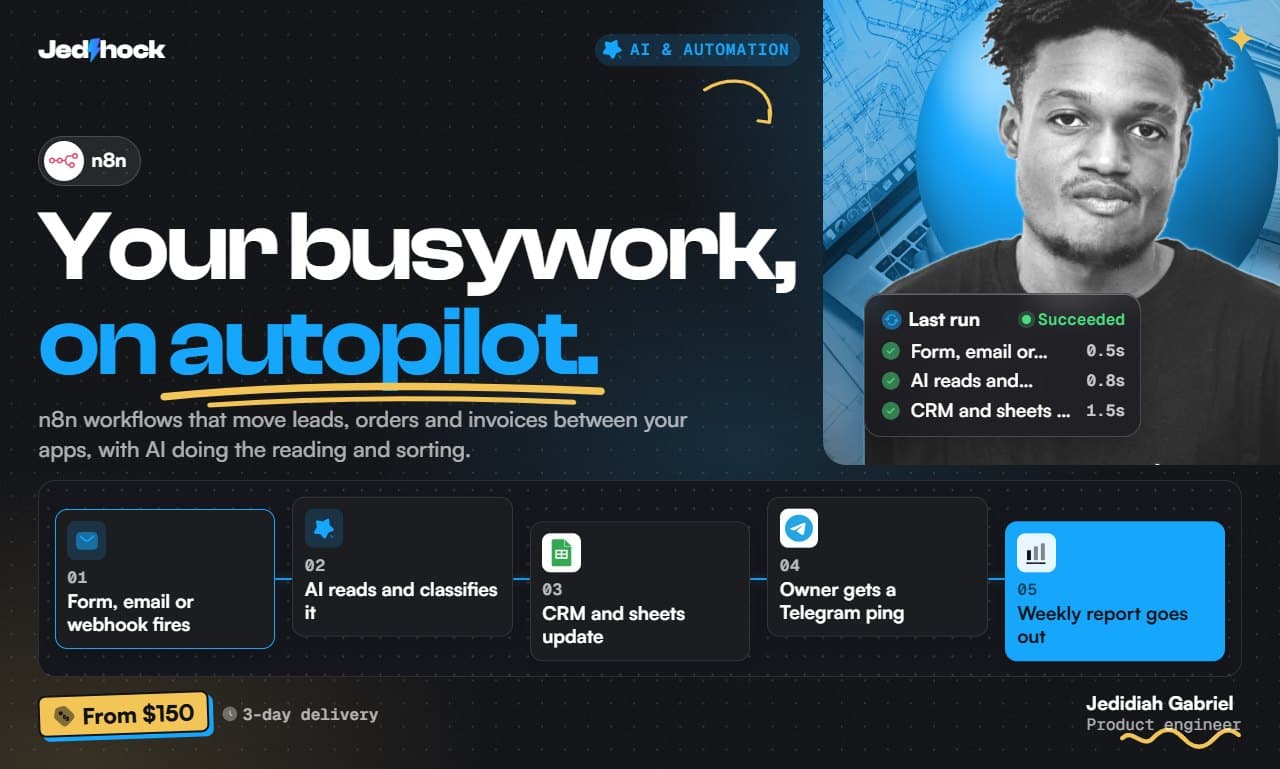
 AI & Automation
n8n AI Automation
I will build n8n AI automation workflows that run your business tasks
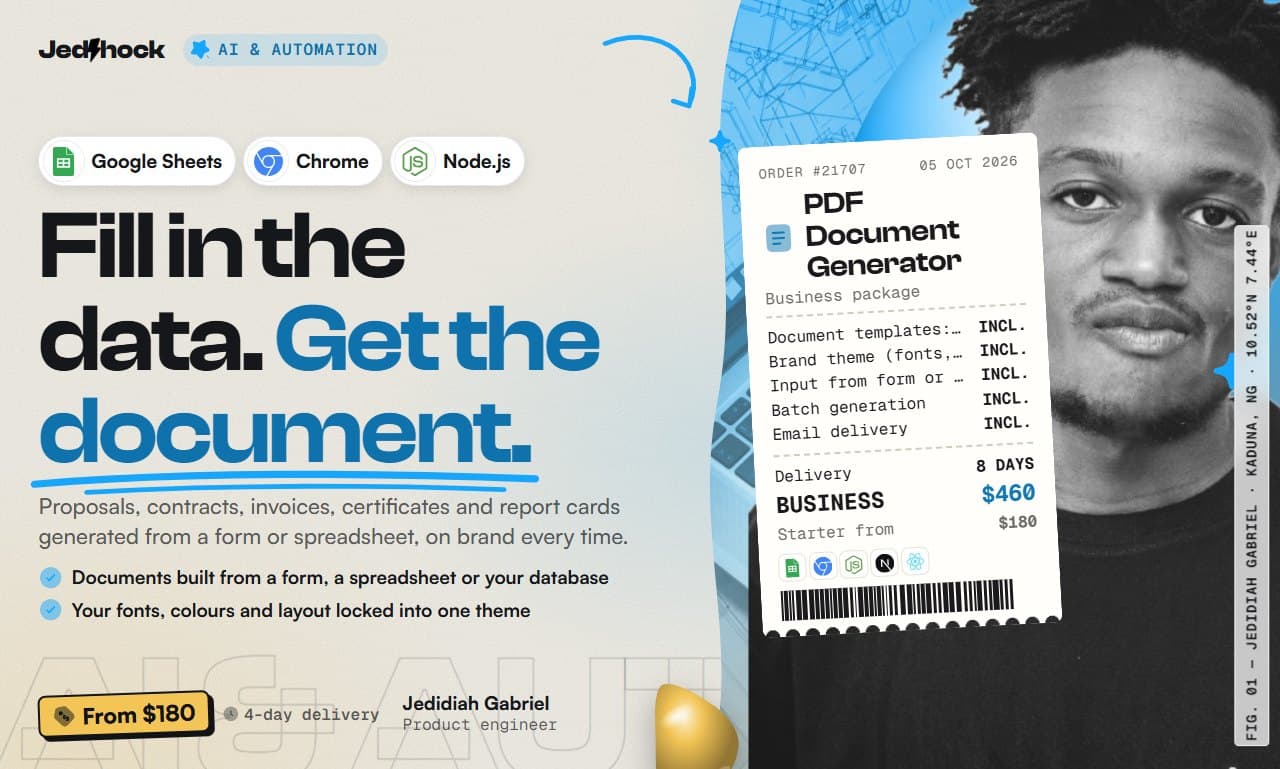
AI & Automation
PDF Document Generator
I will build a PDF document generator for proposals, invoices and certificates
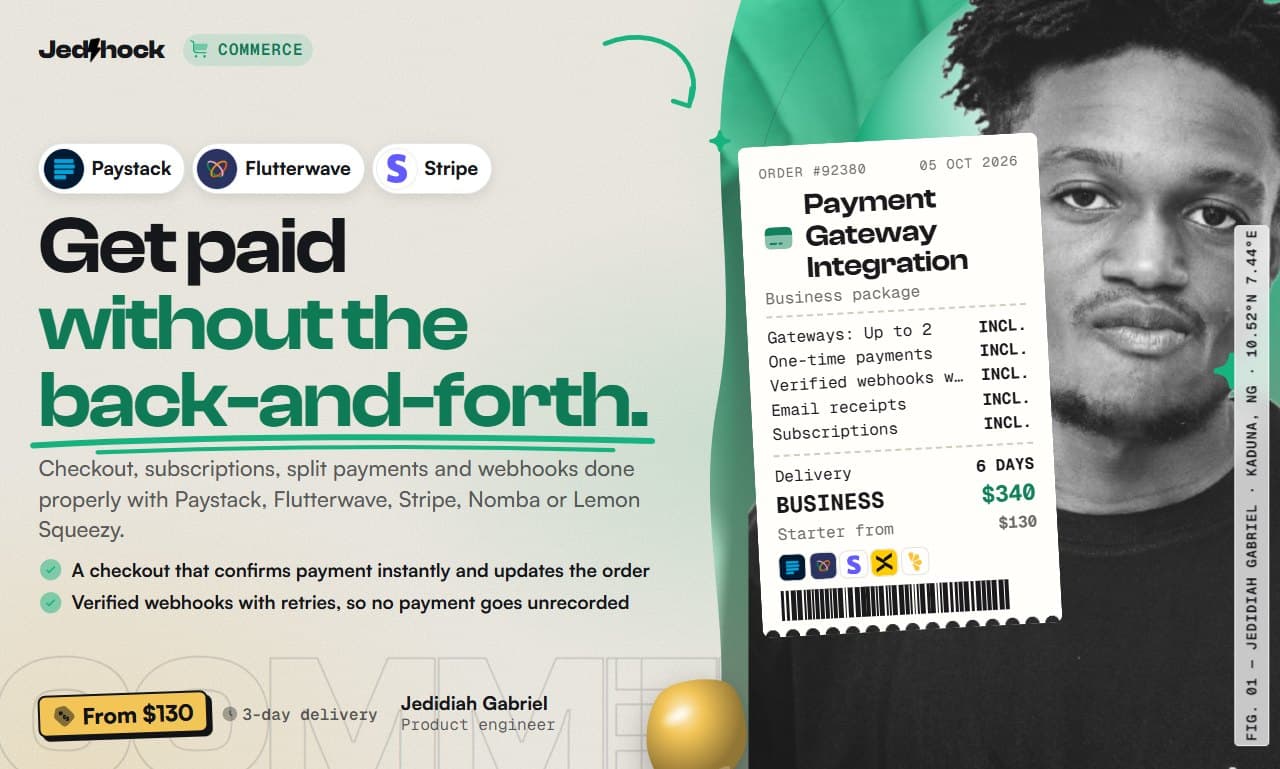
 Commerce
Payment Gateway Integration
I will integrate Paystack, Flutterwave, Stripe or Nomba payments into your app
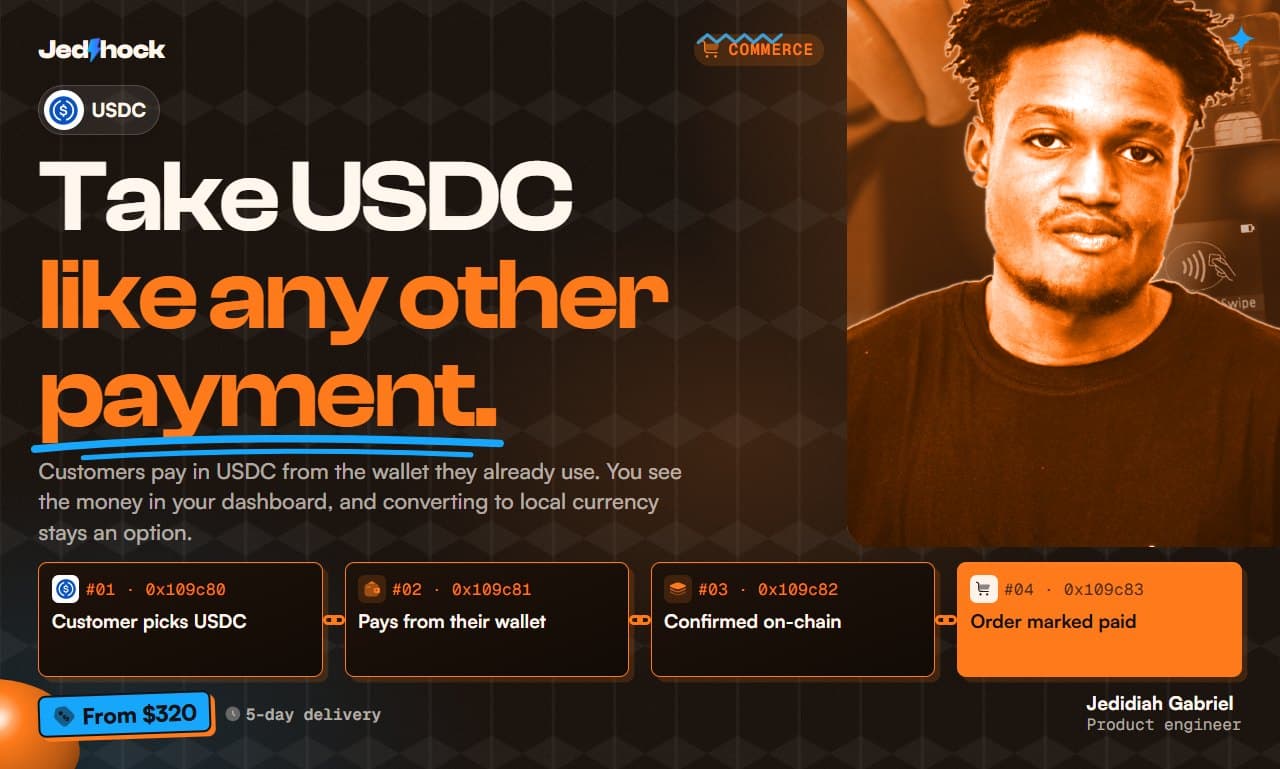
Commerce
USDC Stablecoin Checkout
I will integrate USDC stablecoin payments into your store, app or invoices